What this monitor shows
- Open positions across the tracked execution layer
- Mark price and time in position by symbol
- Unrealized PnL by symbol with an aggregated view
- Fast cross-check before deeper validation in Backtesting or Platform

Track the real-time execution state of the strategy workflow from one operational view.
Review open positions, mark price, time in position, and unrealized PnL before cross-checking with Backtesting and Platform.
Tracked execution account: Tracked execution account. This page monitors the current execution state of the tracked strategy environment.
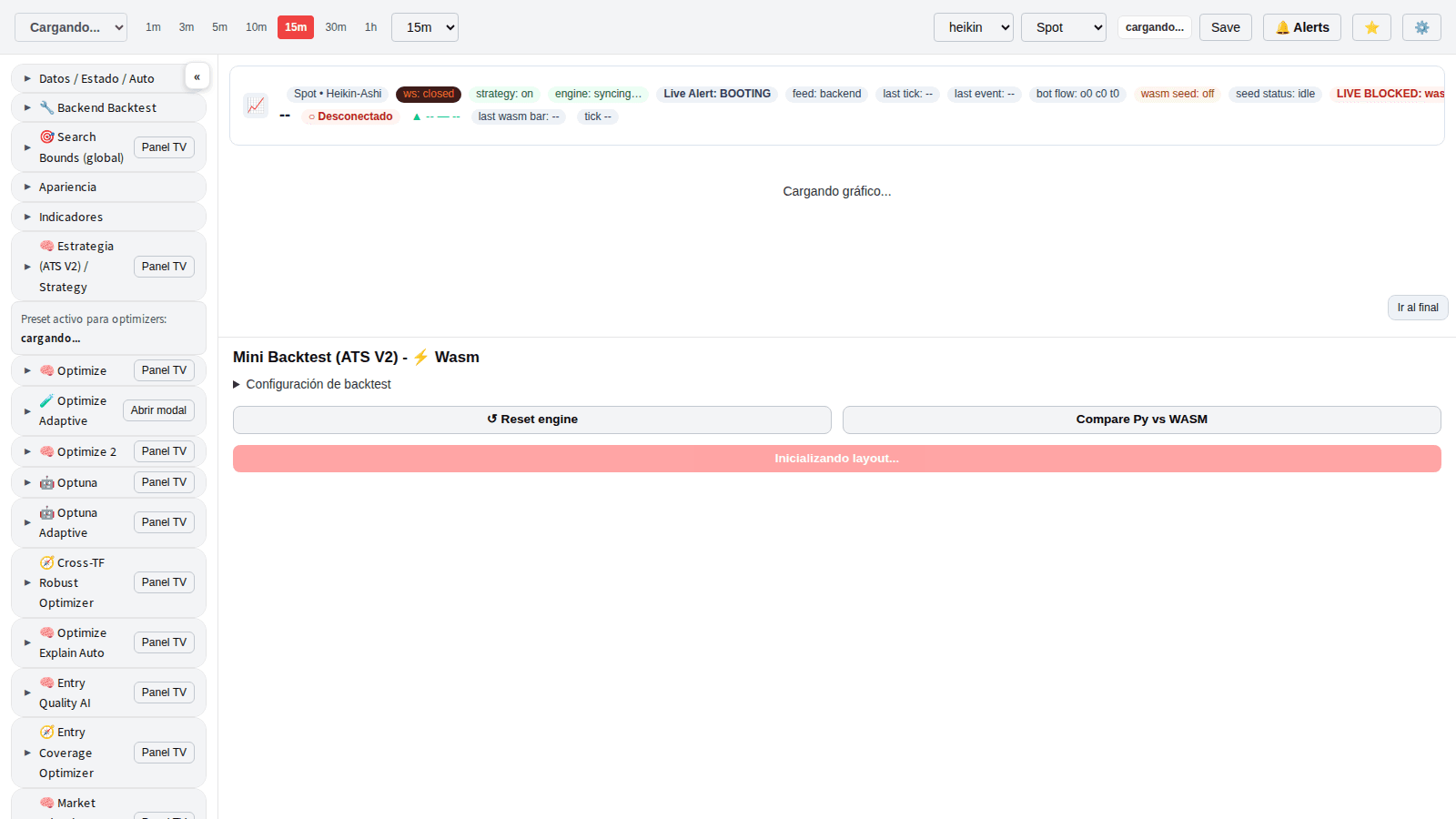
Operational view with open positions, mark price, time in position, and unrealized PnL.
View Platform
Live + Backtesting + Platform + Simulation to close the operational loop.
Open SimulationFilter by symbol, side, or PnL state to isolate the current live picture in seconds.
This layer monitors live execution; use Backtesting and Platform for context and controls.
Sorted by unrealized PnL, highest to lowest.
| Symbol | Bias | Amount | Entry price | Time in position | Mark price | Unrealized PnL (USDT) |
|---|---|---|---|---|---|---|
| Loading... | ||||||
Operational guidance for using Live with the rest of the stack.
It is the live monitoring layer of the BTHEX stack for current operating state and open positions.
No. This page monitors execution; operating setup is handled in Platform.
The monitor remains on standby and refreshes every 3 seconds until active positions appear.
Live shows the current state. Platform manages deployment and operating controls.
Use Live for real-time state and Backtesting for deeper historical context per symbol.